


 Written by Tellystudio
Want to unlock unlimited entertainment on your Mac? You’re in the right place! This comprehensive guide shows you exactly how to set up IPTV on MacOS, giving you access to thousands of channels and on-demand content. Whether you’re using a MacBook, iMac, or Mac Mini, follow our simple steps for an amazing streaming experience.
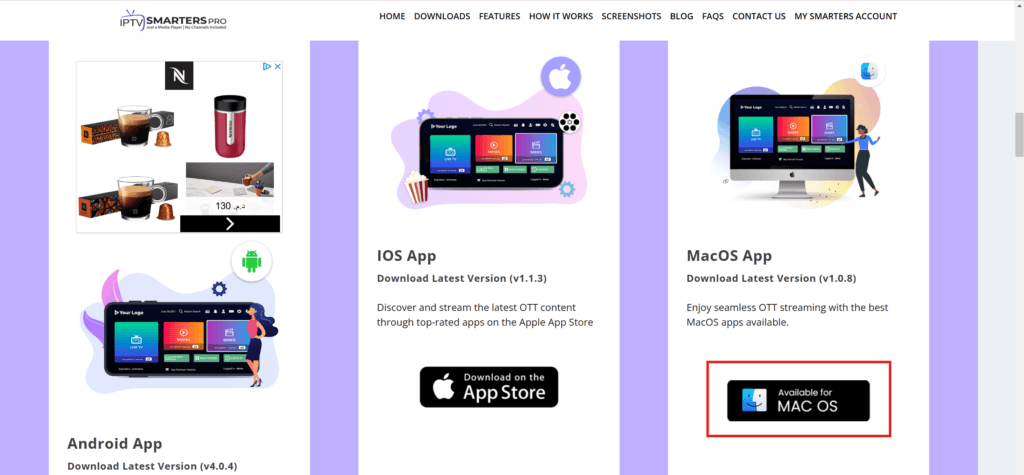
Visit the official website: IPTV Smarters Pro to download the Mac version. This powerful app offers:
Step-by-step video guide for enabling app installation from unidentified developers on MacOS
Follow these crucial security steps:
Pro Tip: If “Anywhere” isn’t visible, use Terminal:
bashCopysudo spctl --master-disable
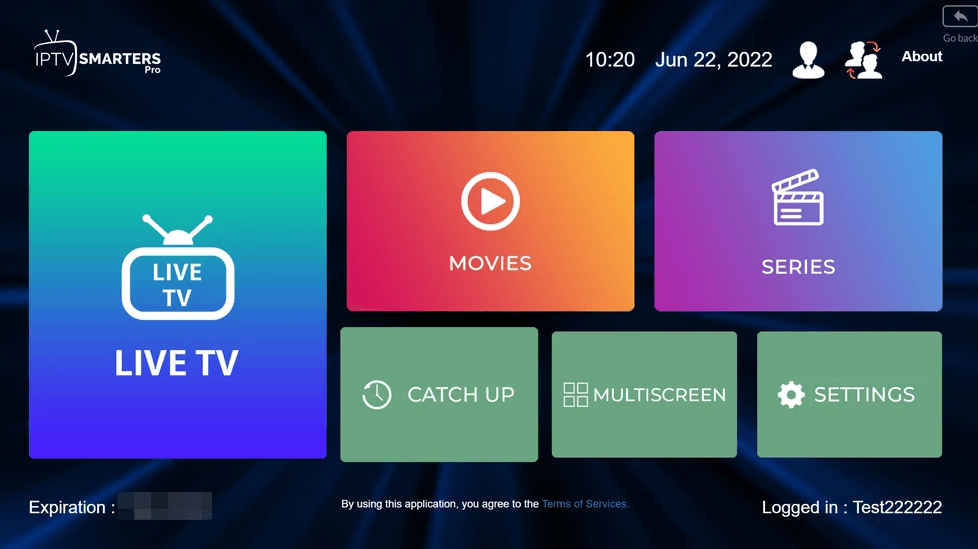
Quick Installation Steps:
Enter your subscription details:
Important: Always double-check your credentials for accuracy!
If you see “Authorization Failed”:



All Rights are Reserved by Tellystudio.